Private messages: who do you want to protect them from?
When a message enters a chat already encrypted with Layergram, its secret text does not become readable in that chat's notification. What remains outside is what you shared: encrypted text, a link or a cover message. App locking, passphrase identities and expiring messages can then help protect it in other situations too.
A number that needs to stay between two people
Elena is preparing a proposal with Marco, a colleague. The client has confided their maximum budget to her, and Marco needs it for his calculations. But that figure could weaken their negotiating position if it reached the other party. Elena would like to send it through their everyday chat without leaving it there in plain text.
This is an invented situation, but the concern is familiar. The same conversation can contain a meeting time and information meant for only two people. They do not necessarily need the same protection.
Elena and Marco can keep organising things as usual and choose Layergram for the budget. They both install the app, create their identities, exchange them and verify them. Elena writes the message in Layergram, encrypts it for Marco and shares the result in their chat. Marco opens it with Layergram on his own device. The guide to your first protected message explains these steps.
The question then becomes more specific: where could someone else read that budget?
What appears in the notification?
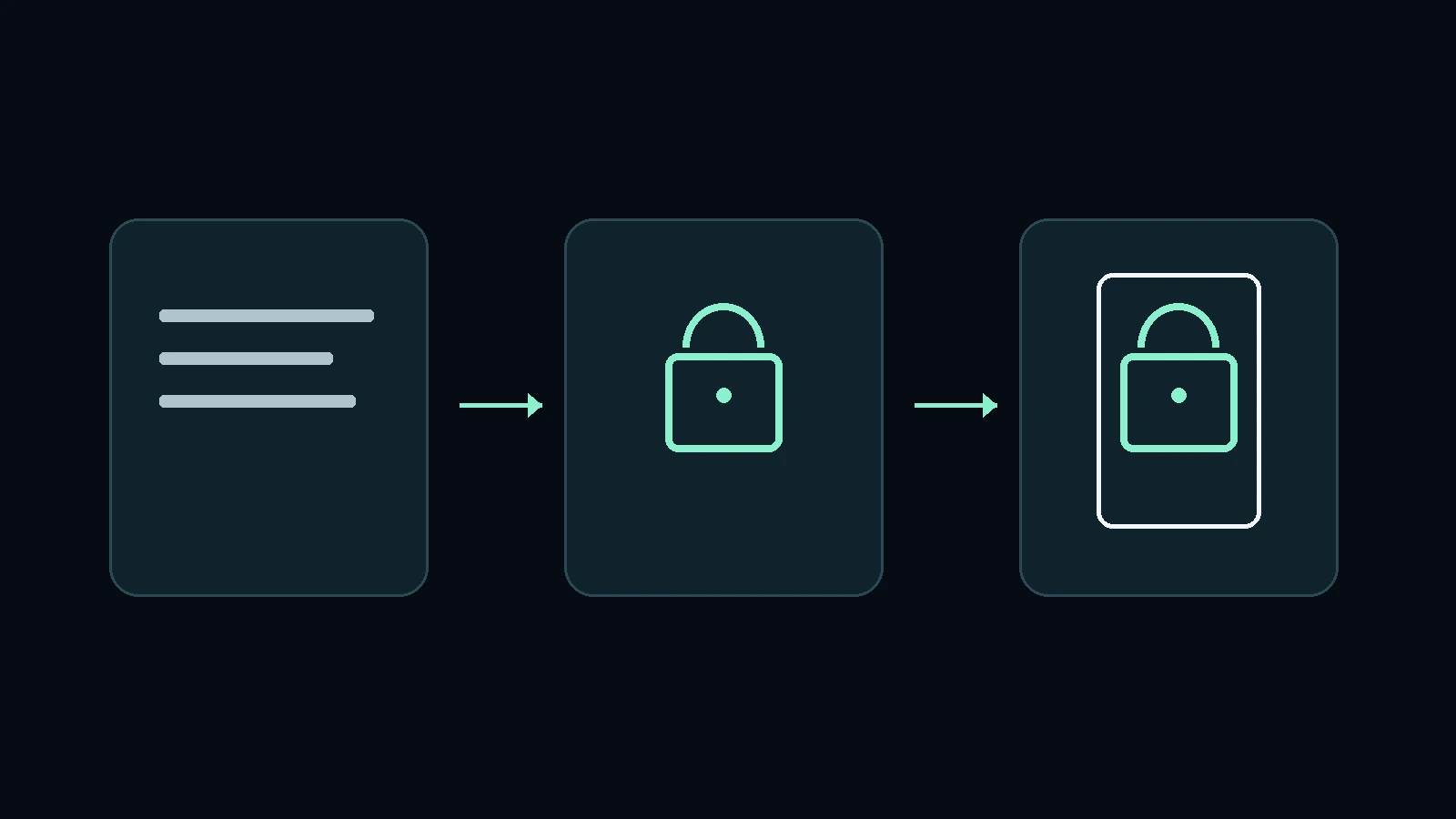
If Elena wrote and encrypted the budget in Layergram before sharing it, the chat receives only its protected form. Any preview shows that too: encrypted text, a Layergram link or the cover message chosen in the app. The confidential figure is never delivered to the chat as readable text.
Imagine Marco's phone is on the table during a meeting. Elena's message arrives and the screen lights up. Someone sitting next to him can see the preview, but the budget is not there: they see what Elena actually shared after protecting it.
That is the benefit of encrypting content before it enters the conversation. The secret text remains separate from what the chat can display, including in notifications. This follows from how Layergram works: it encrypts on the device before sharing.
Elena must, of course, avoid typing the figure again in an ordinary message or in the caption accompanying the protected one. Doing that would create a new plain-text copy.
Hiding previews can still be useful for concealing the sender's name or the rest of the conversation. For this message, however, the budget is already protected. A cover can also make it less obvious at a glance, without guaranteeing that technical analysis will miss the hidden content.
What if the phone is stolen?
Elena can enable Layergram's biometric lock on supported devices, adding that check to app access. She can also choose an identity with an additional passphrase for more confidential conversations. Opening her everyday identity will then not automatically make the messages belonging to the other identity readable as well.
Suppose she exchanged the budget using that passphrase-derived identity, which Marco imported and verified. When that identity is inactive, someone looking at Layergram can find her everyday identity and its conversations without seeing the other one as an ordinary profile to open.
For Elena, the correct passphrase lets her return to her private identity and read its messages. The associated data stays encrypted and cannot be read from the base identity while the separate identity is inactive. This is one use of Layergram's plausible deniability.
This protection must be chosen for the exchange you want to keep private: in our example, Elena used that identity to send the budget. The passphrase must also remain secret, because anyone who knows it could access the same identity.
The phone's passcode and the app lock still have their roles. Plausible deniability adds separation between identities and conversations; it does not erase photographs, copies stored elsewhere or anything someone can observe while Elena is reading.
How long should that message remain readable?
Marco needs the budget to prepare the proposal, but keeping it in the conversation for months may serve no purpose. With Layergram, Elena can choose a single-read message or set an expiry. These options limit how long content is available in the app, according to how long the recipient actually needs it.
A communication that only needs to be read once and a detail that must remain available for a few days have different needs. Elena can choose accordingly before sending, as described in the guide to managing messages.
Single-read messages and expiry help prevent that text from remaining indefinitely among readable messages. They cannot, however, erase a photograph already taken or a copy Marco kept while reading. Trust in the person you choose therefore still matters.
In our example, each feature addresses a different situation:
| Situation | How Layergram can help |
|---|---|
| The message appears in a chat or notification | The chat received encrypted text, a link or a cover message, without the plain-text budget |
| Someone tries to enter the app | The biometric lock, when enabled and supported, protects access |
| Someone looks at the everyday identity's conversations | The passphrase identity's messages cannot be read from the base identity while the private identity is inactive |
| The information is only needed briefly | Single-read messages and expiry let you limit its availability in the app |
| The recipient is reading the message | Screen-capture protection, when enabled, uses the defences available on the platform |
Protecting the screen too
When Marco reads the budget in Layergram, he can also enable screen-capture protection. On Android, this feature can block screenshots through the system's defences. On iOS, macOS and Windows, the possibilities differ: behaviour depends on the protections available on each platform. The Layergram FAQ explains these differences.
This is useful protection while the message is open, alongside encryption and the app lock. A photograph taken with another phone remains outside its control, as does someone looking directly at the screen.
If Marco suspects his computer is compromised, continuing to exchange confidential information on that computer remains risky. In that situation, the device problem needs to be addressed first.
The recipient can still decide to tell someone else the figure. Layergram's security page explains these limits. Nor does the app remove metadata the channel may retain, such as information about contacts or the timing of the exchange.
Understanding where these protections end helps you use them for what they can do: keep confidential text out of the chat in plain form, protect access to it in the app and choose how long it stays available.
Which message should you start with?
Start with someone you trust and a piece of information you would rather keep out of the readable text of your usual chat. For Elena, it is the client's budget. For you, it might be a work detail or something personal. From there, you can decide whether to add a lock, a passphrase identity or an expiry.
Elena and Marco do not have to move all their conversations. They can keep sending appointments and drafts as usual, using Layergram for the detail they want to keep between them.
Your first attempt can be a simple test message without sensitive data. The quick-start guide takes both of you from creating an identity to reading a message: a way to get comfortable with the process before entrusting it with something important.